

 Security policy
(edit with the Customer Reassurance module)
 Delivery policy
(edit with the Customer Reassurance module)
 Return policy
(edit with the Customer Reassurance module)
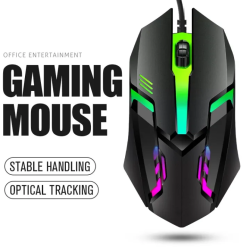
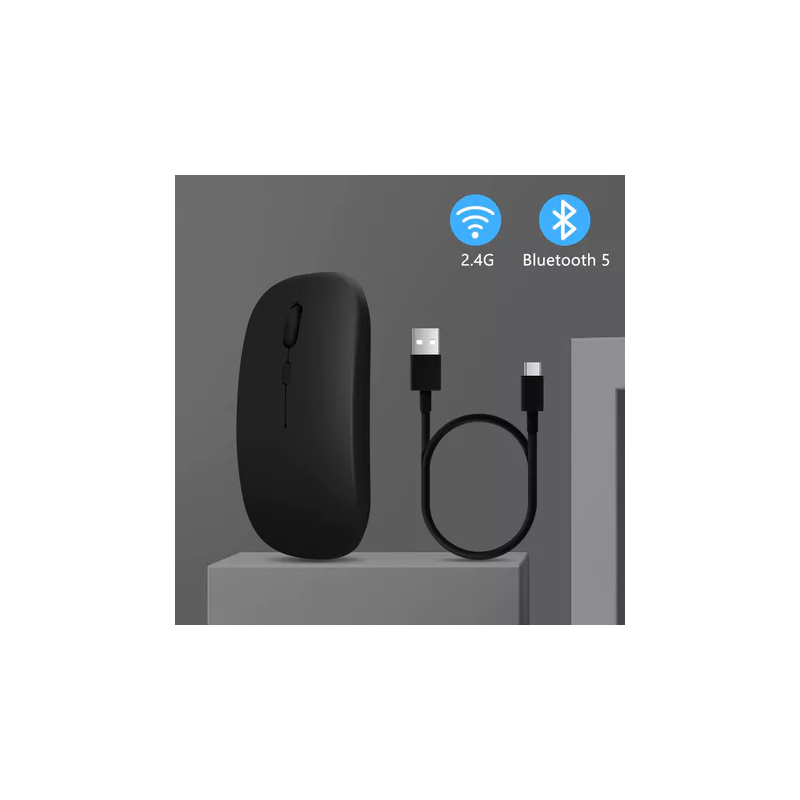
Bluetooth Mouse(2.4GHz Wirerless + Bluetooth 5.0): The Bluetooth mouse is dual-mode, with 2.4GHz wireless and Bluetooth 5.0 functions. You can use both USB receiver and Bluetooth to connect with your PC / Laptop / Phone / Tablet.
Tips:
1. Suitable for most of Mobile phone models, Tablets, Laptop and Computer.
2. If connect for device, the system must be upgraded to 13 or above.
After completing the Bluetooth connection, Settings - Accessibility -Touch - AssistiveTouch - Turn On.
3. The mouse is equipped with a charging cable, which is used to charge the mouse, not to connect the mouse. The product is a wireless device, no wire connection is required. The connection method has been shown in the post, please refer to.
How to use the mouse ?
1. 2.4GHz wireless mode
Remove the mini USB receiver installed in the bottom of the mouse, insert the computer's USB interface.Then put the mouse close to the USB wireless receiver and turn on the switch.Driver free, plug and play.
2. Bluetooth mode
Turn on the switch → Turn on the bluetooth of the electronic device → Start to search BT5.2Mouse or BT5.0 Mouse, and then connect.
If connect for , After completing the Bluetooth connection, Settings - Accessibility -Touch - AssistiveTouch - Turn On.
(If you use it by the Bluetooth mode,please do not plug the usb wireless receiver into the computer )
Specification:
Mouse type: Wireless Bluetooth Mouse
Work mode: 2.4GHz Wireless / Bluetooth
DPI: 800-1200-1600
Power Supply: Built-in rechargeable battery about 500mAh
Button: 4 Buttons
Size:112 x 58 x 25mm
Application: PC/Laptop/Phone/Tablet
Package include:
1 x Mouse
1 x Charging Cable